Premium

Conditional CSS Classes

Attach a CSS class to any Elementor widget when a rule matches — login, role, device, time, URL or WooCommerce.

What it does

The element still renders. Only the class is added. Resize this page to see the device rule.

Live demo

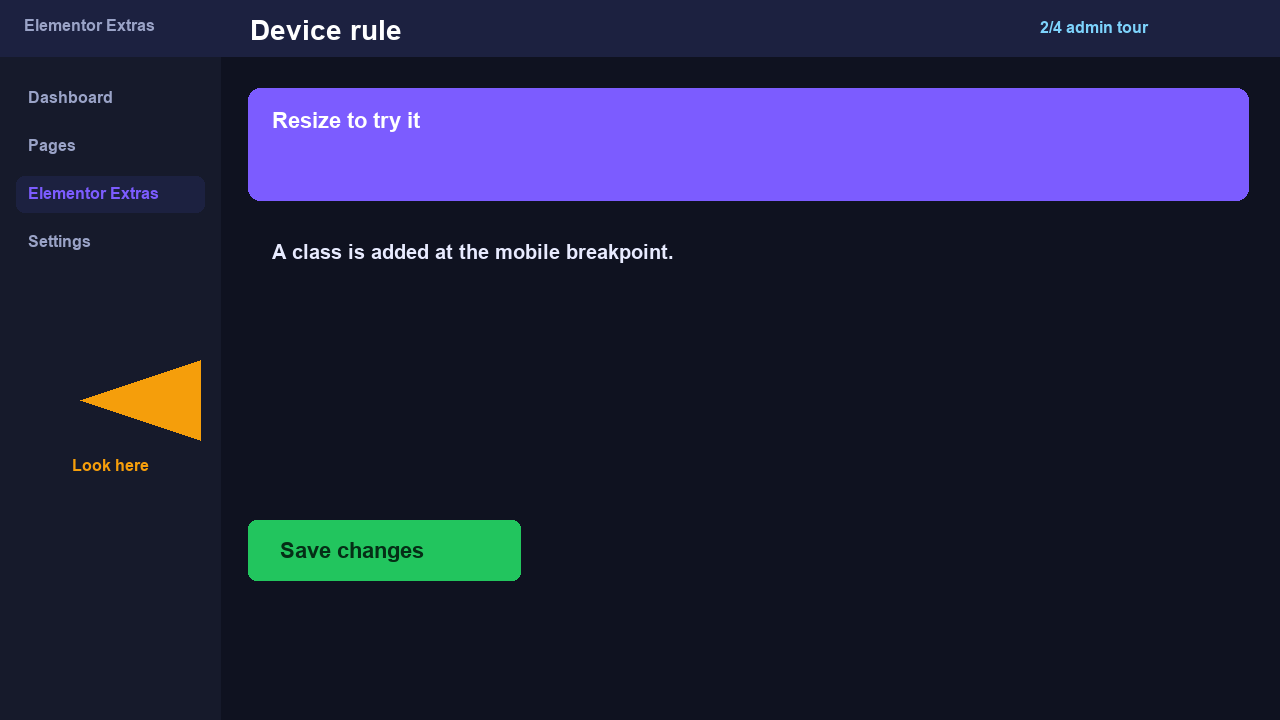
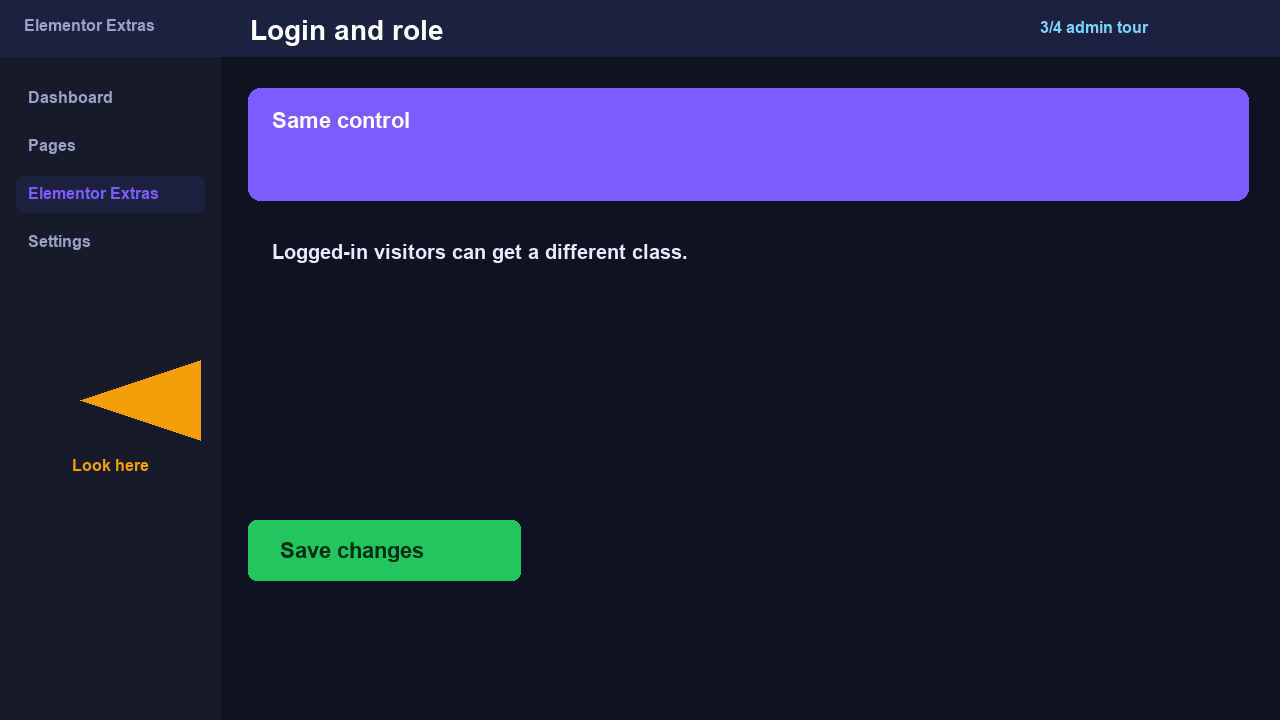
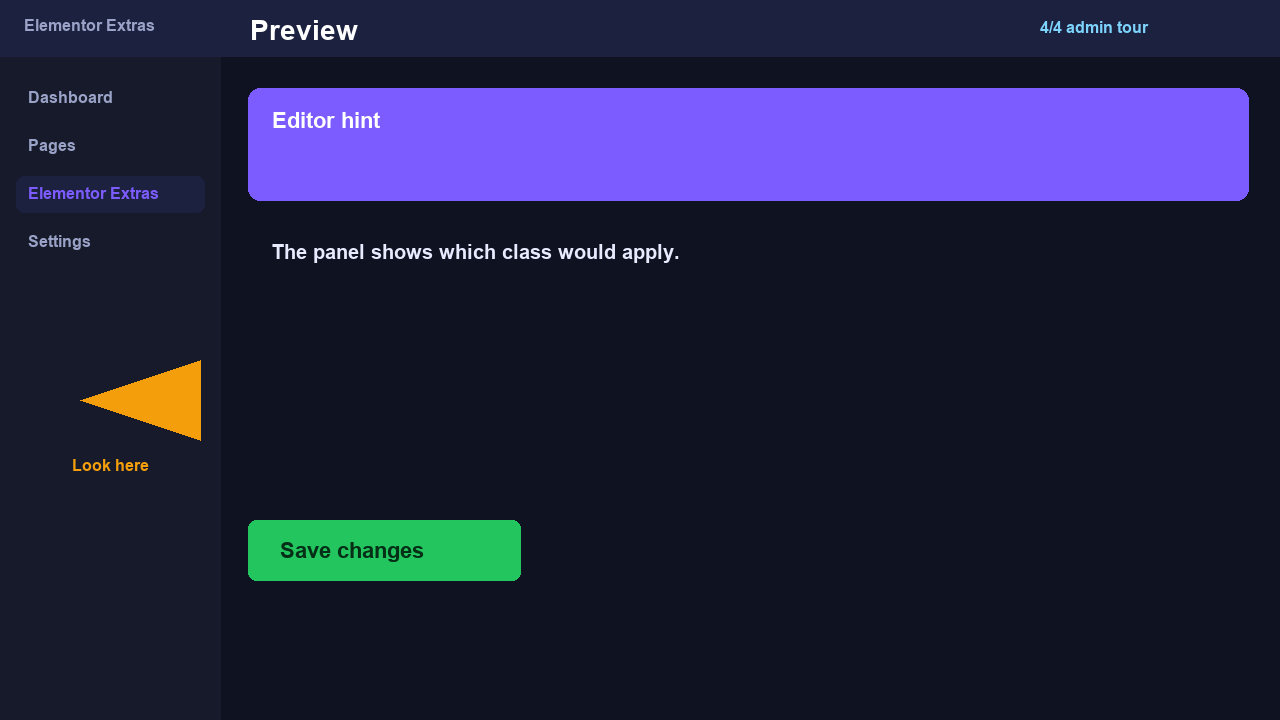
The headings below pick up a class at the desktop or mobile breakpoint. Stills show the Advanced tab.

Advanced tab stills.
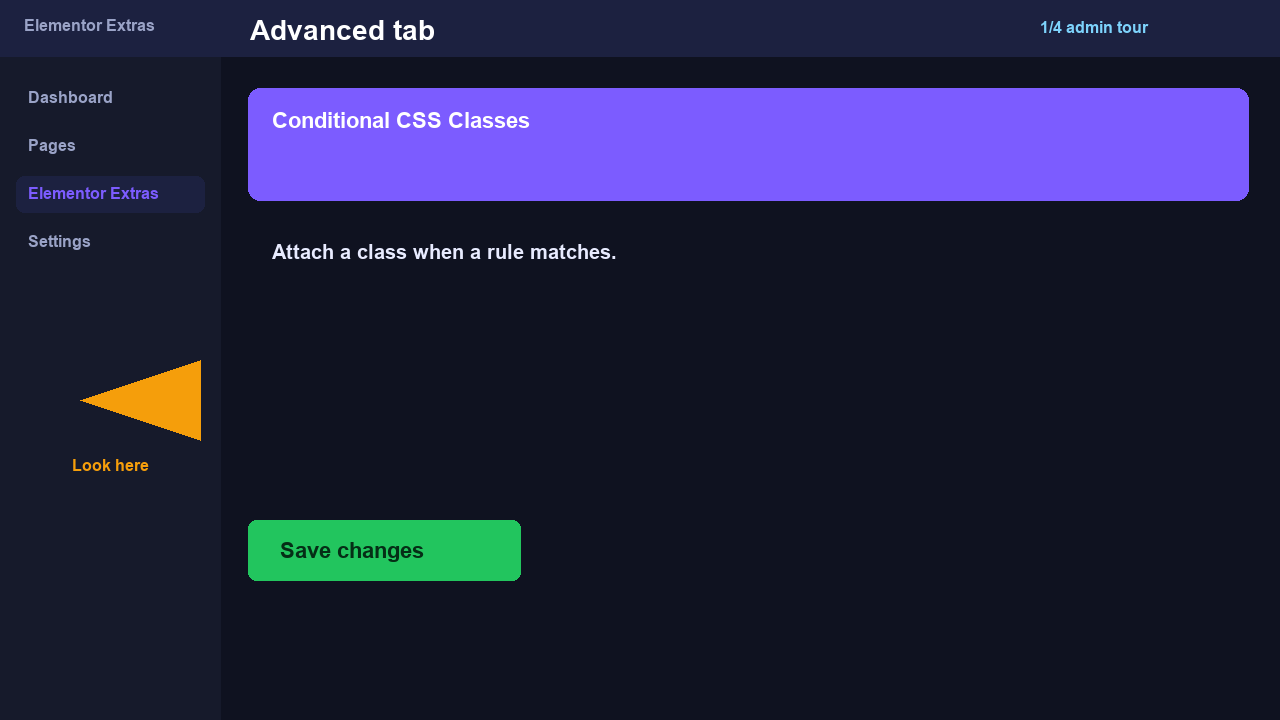
conditional-classes admin screen 1
conditional-classes admin screen 2
conditional-classes admin screen 3
conditional-classes admin screen 4

Desktop class is on — resize under 768px to swap.

Mobile class is on — this heading picks up ltxe-cc-demo-mobile.

Resize the window. Conditional Classes adds a CSS class on the heading wrapper — the heading stays in the document.

How to implement

  1. Select a widget → Advanced → Conditional CSS Classes.
  2. Add a device or login rule.
  3. Preview as a matching and non-matching visitor.