Premium
Genius AI Workspace for Elementor
AI-assisted copy and loop helpers — bring your own connector keys.
What the Elementor AI Assistant does
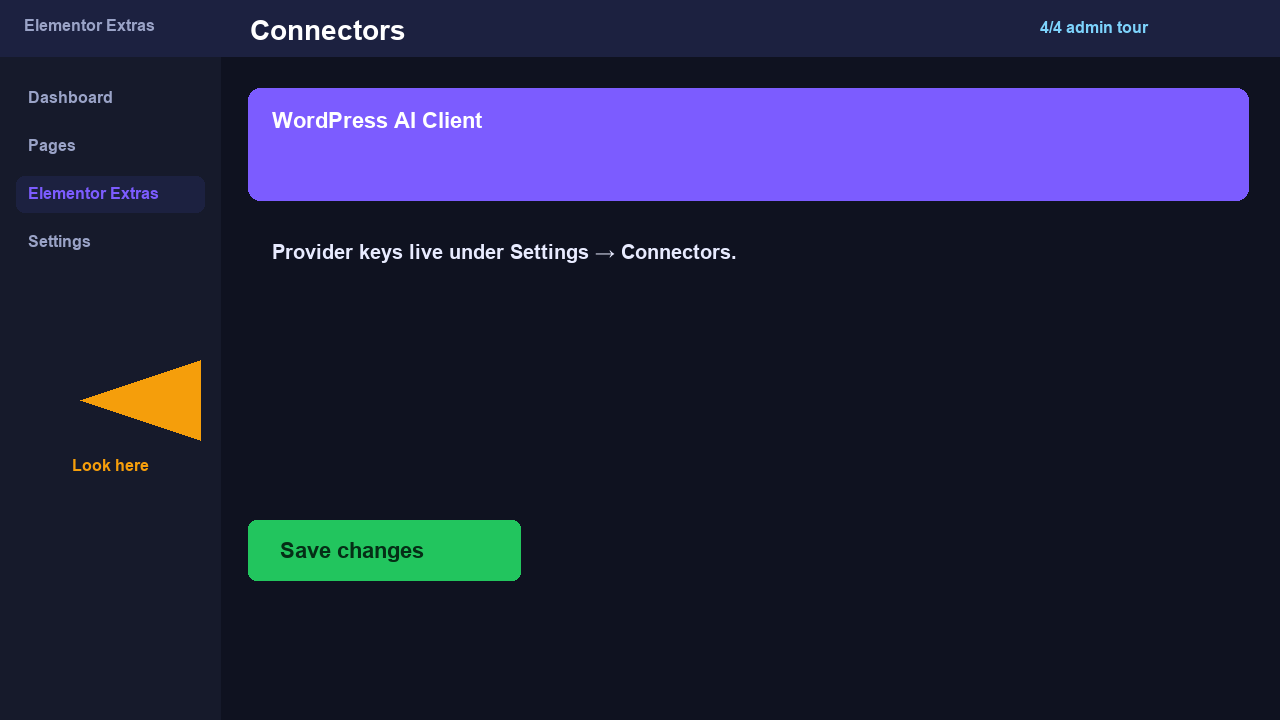
Genius workspace features require explicit opt-in and a WordPress AI connector configured under Settings → Connectors. No API keys are stored in this demo — document your BYOK workflow for clients.
Dependencies: ai_workspace flag, WordPress AI Client / connectors (WP 7.0+)
Live demo
Demo note: This hosted demo does not ship API keys. On your site, enable Genius after connecting a provider. Premium license required.
How to implement
- Enable ai_workspace under LandTech Extras → Premium features.
- Configure an AI provider under Settings → Connectors (site admin only).
- Open the Genius panel from Elementor or LandTech Extras admin to generate microcopy.
- Review and approve all AI output before publishing — never auto-publish unchecked copy.
Live demo
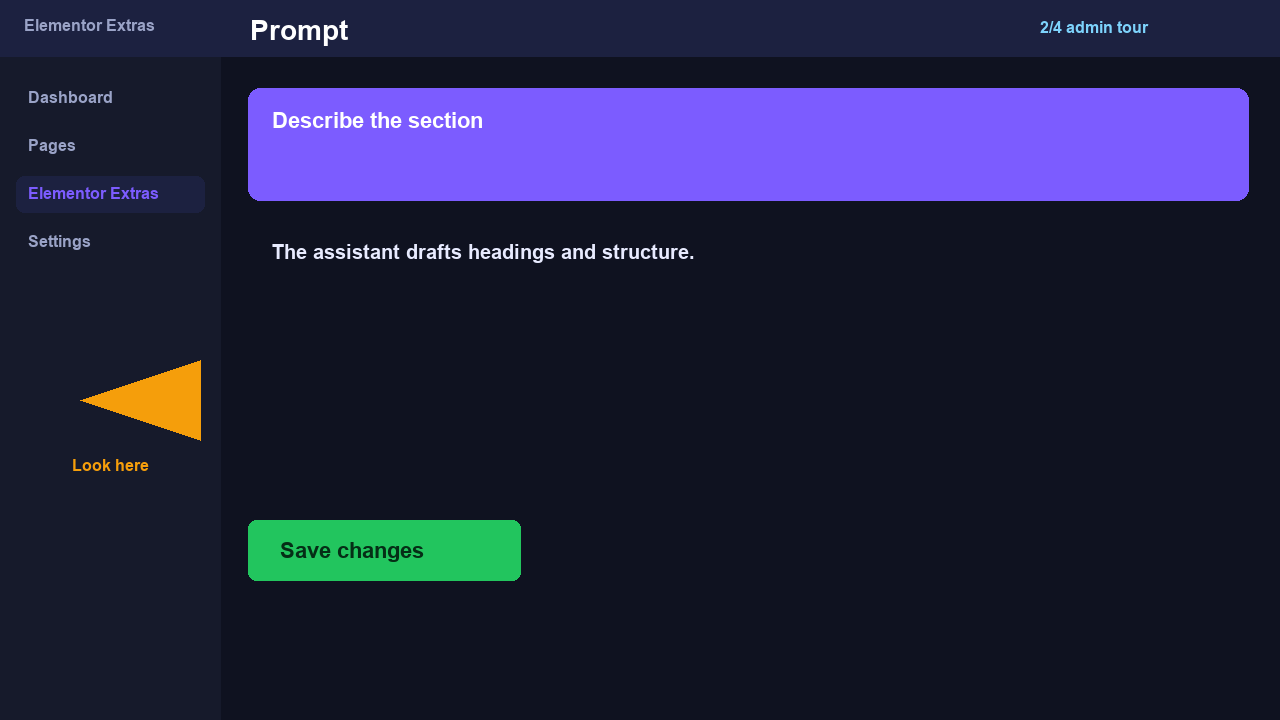
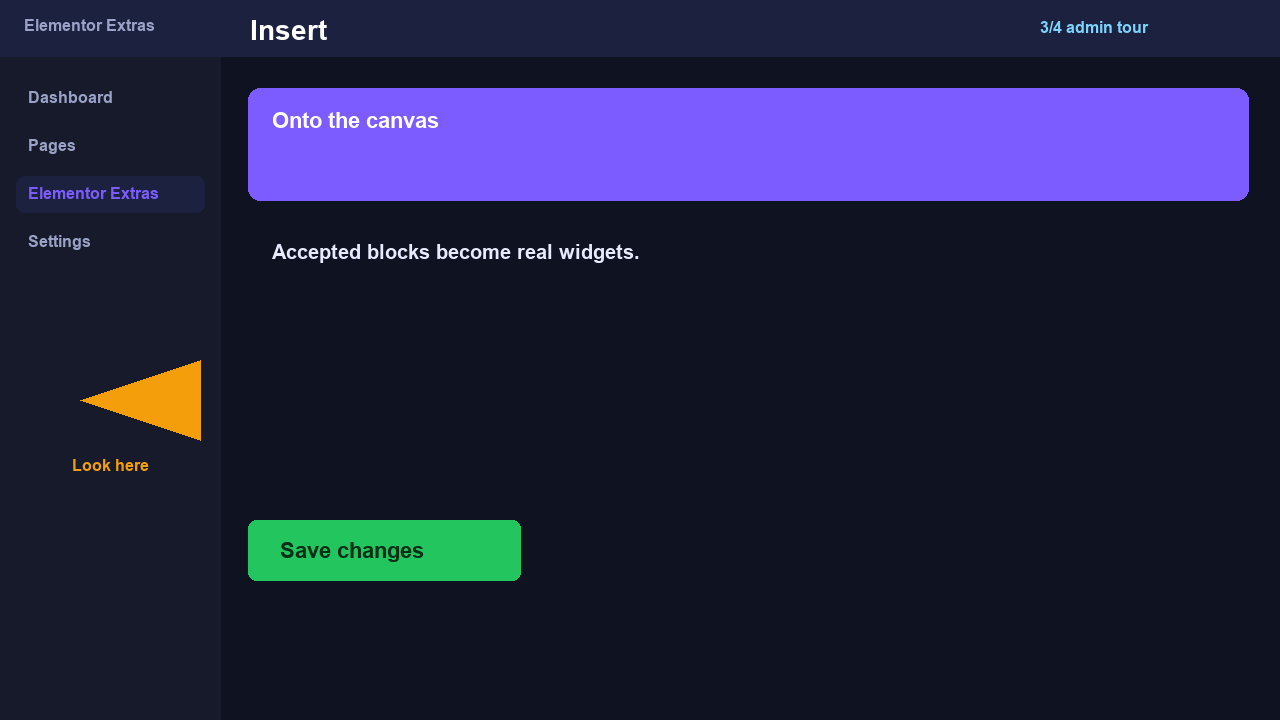
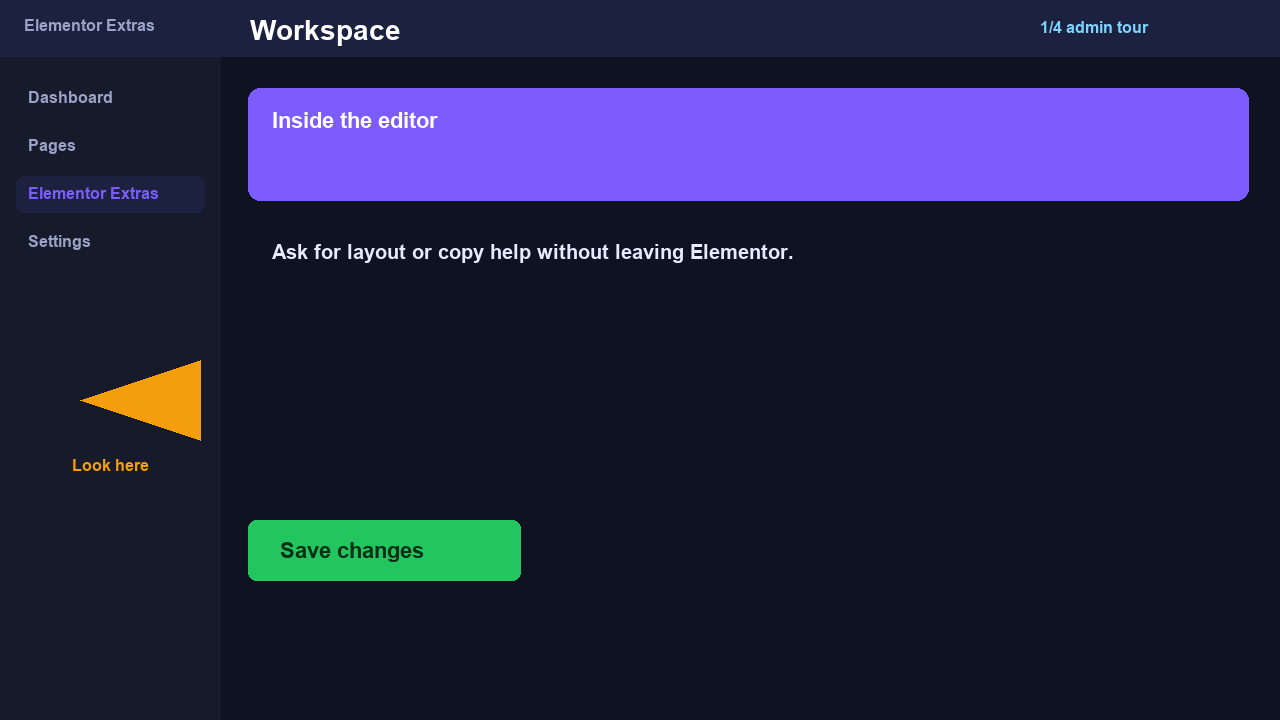
Editor tour of the Genius workspace. This is not a frontend widget.